

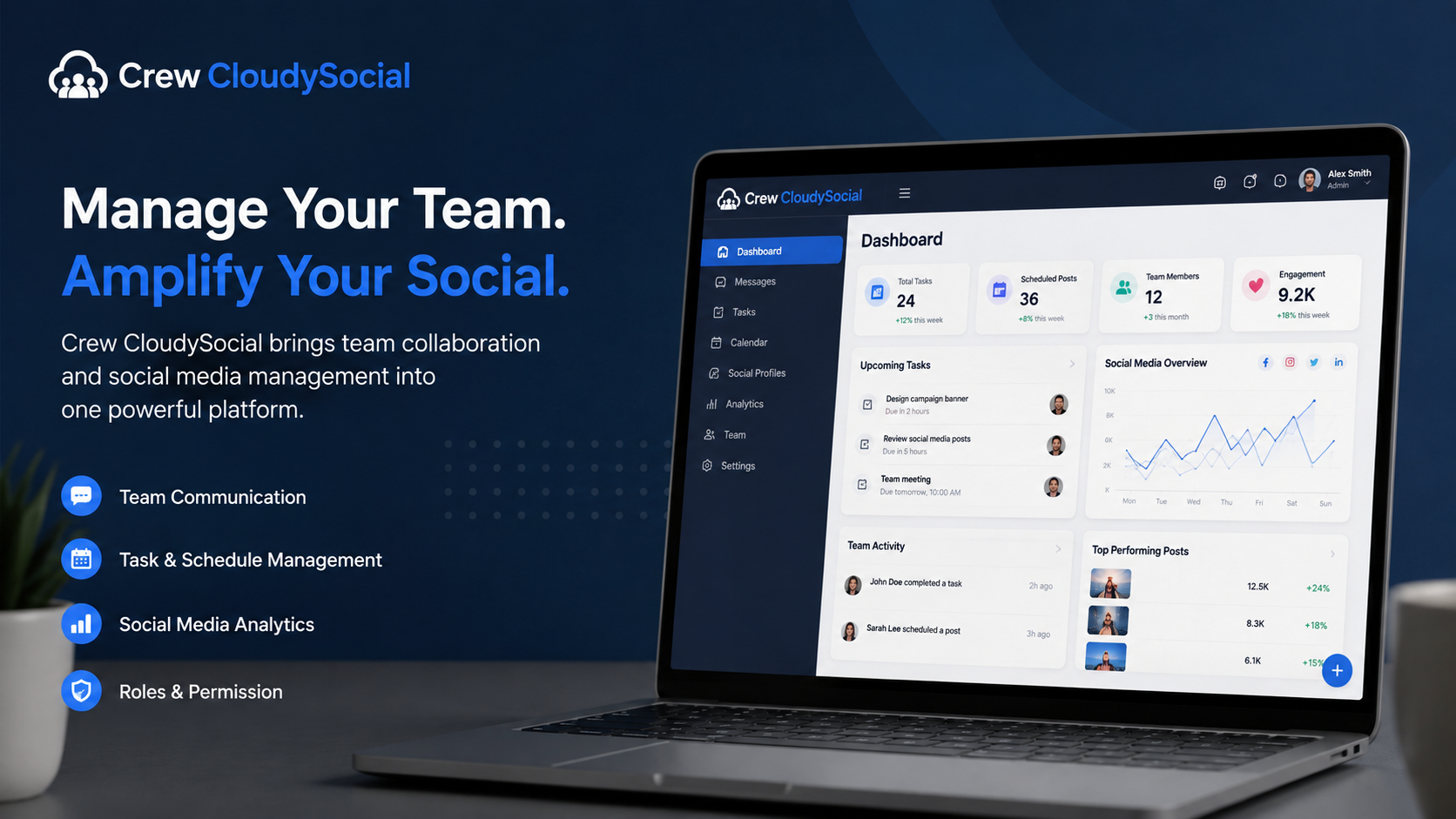
People searching for crew cloudysocial com are usually trying to answer a simple question: is this a real platform, a login page, or merely an article about a supposed product? The available public information does not provide a consistent answer. Cloudysocial.com is accessible as a technology-content website and publishes pages describing “Crew CloudySocial” in different ways. However, the material reviewed for this article does not independently confirm a functioning product portal at the crew.cloudysocial.com subdomain.
That distinction matters. A blog post can describe software without proving that the software exists as a separate, operational service. This guide separates confirmed information from unverified claims and explains what to check before creating an account, sharing personal details, or connecting a social media profile.
What Does Crew CloudySocial Com Appear to Mean?
The phrase is written like a web address, but search results mainly point to articles on the main Cloudysocial.com domain. The most relevant page uses the path cloudysocial.com/crew-cloudysocial-com/ and presents Crew CloudySocial as a web application for team messages, schedules, tasks, files, permissions, and shift coordination.
A separate page on the same website describes Crew CloudySocial as a social media management platform with post scheduling, analytics, team collaboration, content calendars, and connected social profiles.
Those are two different product categories. A workforce tool organizes staff and shifts; a social media tool plans, publishes, and measures content. One platform could offer both, but the site does not provide clear product documentation showing that these functions belong to one verified service.
The safest interpretation is that “Crew CloudySocial” is currently an ambiguous term used in editorial content, not a clearly established product with independently documented capabilities.
What Is Confirmed About Cloudysocial.com?
Cloudysocial.com presents itself as a technology-information site. Its About page says it publishes insights about hardware, software, cloud technology, artificial intelligence, DevOps, and data topics. Its homepage displays a broad mix of articles rather than a product dashboard, software documentation library, or customer account area.
The site has standard editorial pages, including an About page, contact form, privacy policy, terms, and article categories. Its privacy policy describes visitor logs, cookies, analytics-related information, and possible third-party advertising technologies. That wording fits a content website, although it does not establish the operation of a separate Crew CloudySocial application.
The terms also state that the site does not guarantee that its information is correct, complete, accurate, continuously available, or kept current. That disclaimer is important when assessing detailed feature, pricing, integration, or performance claims.
Confirmed Information Versus Unverified Claims
| Topic | Confirmed | Still unverified |
|---|---|---|
| Main website | Cloudysocial.com operates as a technology-content website | Whether it also operates commercial software |
| Crew CloudySocial | The site publishes articles using this name | Whether it is an active standalone product |
| Product purpose | One page describes staff coordination; another describes social media management | Which description, if either, is authoritative |
| Features | Articles mention scheduling, messaging, analytics, calendars, roles, and reports | A working dashboard, documentation, or independently tested functions |
| Pricing | Articles make general references to plans or low-cost use | Current prices, limits, billing terms, refunds, and renewals |
| Integrations | Articles mention social networks, calendars, payroll, email, and notifications | Supported providers, permission scopes, and setup instructions |
| Testimonials | One article displays short attributed comments | The identities, organizations, and results behind those comments |
An unverified claim is not automatically false. It simply should not be treated as established until a reader can test it or confirm it through dependable product documentation.
Why the Search Results Are Confusing
The keyword combines “crew,” “CloudySocial,” and “com.” Search engines may read it as a brand, subdomain, or login-page query. That can surface pages that look relevant even when they do not lead to a functioning service.
The site’s own content increases the ambiguity. One article says the platform organizes staff schedules, messages, files, and shifts. Another says it manages social accounts, schedules posts, tracks engagement, and provides analytics.
The pages also look more like editorial posts than formal product documentation. They sit beside unrelated technology articles, while the public material reviewed does not show a clearly linked documentation center, status page, developer guide, legal entity profile, or product support portal.
Is Crew.CloudySocial.com a Verified Login Portal?
A current review did not independently establish an active public login portal at crew.cloudysocial.com. The indexed pages found during research were articles on the main domain, especially cloudysocial.com/crew-cloudysocial-com/, rather than a documented application on the crew subdomain.
That does not prove the subdomain has never existed. It could be private, temporary, restricted, newly configured, or unavailable to search engines. Still, do not assume that a page using the name is an official account portal unless the main website links to it clearly and the destination provides consistent ownership, privacy, support, and product information.
A trustworthy login flow should make the relationship between the main site and application easy to understand. If the domain, product name, company identity, and support details do not line up, pause before entering credentials.
How to Check the Site Safely
1. Open the main domain directly
Type the known domain yourself instead of following an unexpected email, message, advertisement, or shortened link. The U.S. Federal Trade Commission recommends contacting a company through a website or method you already know is genuine rather than using suspicious links.
2. Look for a clear product path
A genuine product operated by the site should normally be discoverable through consistent navigation such as Product, Sign in, Pricing, Help, or Documentation. An isolated article is weaker evidence than a connected set of product pages.
Check whether the homepage, About page, and product page all use the same product name and describe the same purpose. Inconsistent wording can indicate outdated content, poor editorial control, or confusion about what is actually being offered.
3. Verify the operator
Check for a legal business name, credible address, responsible operators, and support details matching the domain. Cloudysocial.com has an About page and contact form, but the reviewed pages do not clearly establish the legal operator of a Crew CloudySocial software service.
The displayed location also uses unusual, placeholder-like wording and should be manually verified before it is treated as a legitimate business address.
4. Read the product-specific privacy terms
Find out what data is collected, why it is collected, how it is shared, how long it is retained, and how deletion works. Cloudysocial.com’s existing privacy policy discusses visitor logs, cookies, and advertising technologies, but it is not detailed product documentation for a workforce or social media application.
A platform that handles staff records, social accounts, direct messages, analytics, or customer information should explain those data practices specifically. A general blog privacy policy may not cover the permissions and responsibilities involved in operating cloud software.
5. Protect your accounts
Use a unique password and enable multi-factor authentication when available. CISA warns about password reuse and recommends stronger protection beyond a password alone.
When connecting Google or social accounts, read each permission request. Google advises users to review what third-party apps can access and explains how to remove access later.
Do not provide your Google, Facebook, Instagram, or other platform password directly to an unrelated website. Legitimate account connections should normally use the social network’s own authorization screen.
6. Begin with low-risk data
Do not upload payroll files, customer lists, private messages, unreleased campaigns, or administrator credentials during an initial test. Use a low-risk account until ownership, security practices, support, and deletion procedures are clear.
Testing with limited data also makes it easier to remove access if the platform does not work as expected.
What to Verify Before Using the Platform
For staff scheduling or collaboration, ask for proof of:
- Role-based permissions
- Schedule-change notifications
- Audit records
- Account removal procedures
- Data exports
- Time-zone handling
- Support channels
- Backup and incident procedures
A restaurant manager, for example, may need dependable shift swaps and urgent alerts. A remote agency may care more about task ownership, approvals, guest access, and file permissions. The platform should demonstrate the exact workflow rather than merely list broad features.
For social media management, confirm supported networks, exact publishing and messaging permissions, approval controls, token revocation, current integration documentation, failed-post handling, and account-disconnection procedures.
Do not assume these functions exist because an article names them. Request a live demonstration, help-center page, or trial account that proves the workflow. Start with a test profile rather than a primary business account, then review connected-app settings and remove access when testing ends.
Who Might Find the Existing Content Useful?
The pages may be useful as general introductions to shared calendars, team roles, post scheduling, analytics, and centralized communication. Casual readers researching software terminology may find them adequate.
They are not enough on their own for a purchase, security review, or procurement decision. Businesses handling employee data, client accounts, regulated records, payments, or high-value social profiles need stronger evidence, including legal ownership, contractual terms, product-specific privacy information, technical documentation, and verifiable support.
A small personal project may tolerate some uncertainty. An organization granting access to business accounts should require much clearer answers.
Common Mistakes to Avoid
Do not treat a search-result title as proof that a product exists. Search engines index relevant pages; they do not certify products.
Do not assume detailed feature descriptions come from hands-on testing. A page may describe a familiar software category without linking to a working interface.
Be cautious with testimonials that cannot be traced to organizations, public case studies, or accessible profiles. One Crew CloudySocial page includes short testimonials but does not provide supporting case-study links on that page.
Do not rely on the padlock icon alone. An encrypted connection protects data traveling between your browser and the website, but it does not independently prove that the operator or its claims are trustworthy.
Finally, do not connect an administrator account first. Begin with the minimum permissions required and expand access only after verification.
Practical Alternatives if the Product Cannot Be Confirmed
Choose by task rather than by a broad product description.
For social publishing, seek a documented platform with an official integration list, transparent pricing, permission controls, approval workflows, and current help pages.
For staff schedules, look for workforce software covering availability, shift changes, alerts, attendance rules, and region-appropriate exports.
For general teamwork, a project-management tool may be enough if it offers tasks, comments, files, deadlines, guest access, audit history, and data portability.
This requirements-first approach prevents you from choosing a tool that sounds flexible but cannot reliably handle the workflow that matters.
FAQs
What is crew cloudysocial com?
The phrase appears to refer mainly to Cloudysocial.com articles describing a product called Crew CloudySocial. One page presents it as a team scheduling and communication tool; another presents it as social media management software. The reviewed public material does not clearly verify a separate active product portal or establish which description is authoritative.
Is Crew CloudySocial a real social media management platform?
Cloudysocial.com publishes an article claiming scheduling, analytics, collaboration, and content-calendar features. However, the reviewed pages did not independently confirm a working dashboard, current documentation, supported integrations, pricing, or a verified customer portal. Treat those features as claims until they can be tested directly.
Is Crew CloudySocial also a staff scheduling tool?
Another page describes messages, shifts, files, tasks, payroll or calendar connections, permissions, and reports. Those claims conflict with the social media-focused description elsewhere, so the workforce feature set should not be treated as confirmed without a demonstration or official documentation.
Can I safely sign in at crew.cloudysocial.com?
Do not enter credentials until you can reach the page through a trusted link from the main site and verify consistent ownership, privacy terms, support information, and documentation. Use a unique password, enable multi-factor authentication when offered, and avoid administrator-level accounts during initial testing.
Does Cloudysocial.com publish verified pricing?
The articles make general references to plans, subscriptions, competitive pricing, or low-cost use, but the reviewed sources do not provide a dependable current pricing table with billing terms. Confirm prices, trials, refunds, limits, and renewals on an official sales or checkout page before payment.
What should I do if I already connected an account?
Review the authorized-app settings inside the connected account, inspect the permissions granted, and remove access you no longer need. Change any reused password and enable multi-factor authentication. Google provides controls for reviewing and removing third-party access; other major platforms provide similar authorization settings.
Conclusion
The main takeaway is that crew cloudysocial com is better understood as an ambiguous search phrase than as a fully verified software destination. Cloudysocial.com is clearly a content website, and it publishes multiple descriptions of Crew CloudySocial, but those descriptions do not agree on the product’s central purpose. Publicly reviewed material also leaves questions about ownership, login access, pricing, integrations, security, and customer verification unanswered.
The articles can help readers understand common team-collaboration or social media-management concepts. They should not be the sole basis for sharing credentials, connecting business accounts, or purchasing software.
Verify the exact domain, follow links from the main site, inspect permissions, and look for product-specific documentation. A few careful checks are more useful than relying on a polished description that has not been independently substantiated.
Read more: Netdesizn com Explained: Content, Reliability, and Safety
