

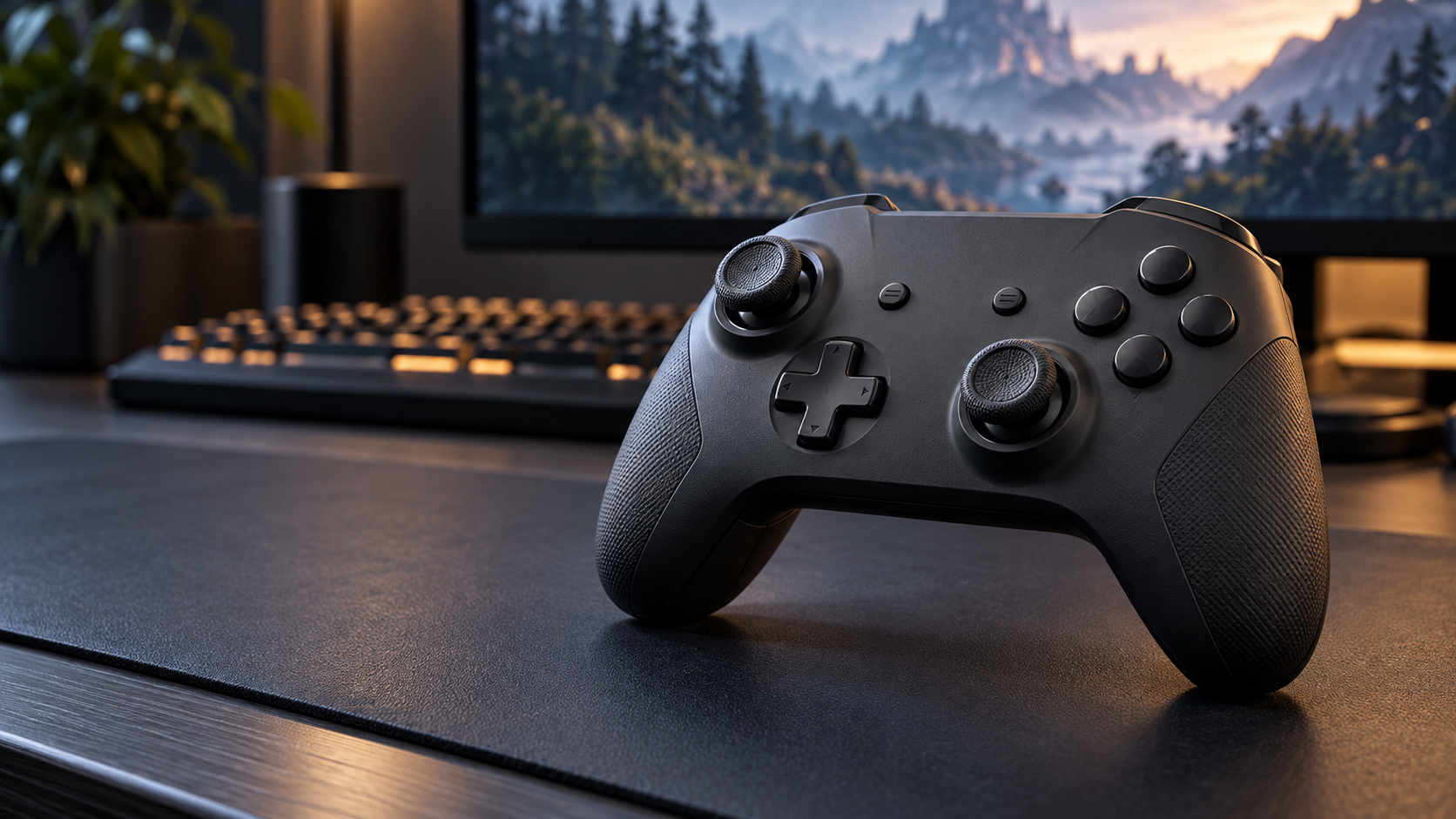
A controller should make your usual moves feel comfortable and predictable. That is the appeal behind the UndergrowthGames custom controller UGGControMan, which UndergrowthGames describes as a gamepad with adjustable controls and a focus on comfort.
Before considering a purchase, though, there is a gap worth understanding: published descriptions exist, but this research did not establish a verified retail offer, independent hardware test, or complete technical manual.
This guide explains the reported features, what controller customization actually does, and the information you should request before buying.
What Is UGGControMan?
An article dated March 14, 2024, on UndergrowthGames.com presents UGGControMan as a custom gaming controller. It specifically discusses button mapping and sensitivity adjustments, alongside broader claims about responsiveness and ergonomic design.
Those descriptions establish what the website says about the controller. They do not establish how a physical unit performs during everyday play.
For readers researching an unfamiliar gamepad, that distinction matters. A useful product assessment needs identifiable hardware, clear documentation, and testing that another person could repeat.
Reported Features
A separate UndergrowthGames article dated June 23, 2026, describes Bluetooth, USB-C, a 2.4 GHz dongle, a desktop configuration app, and profiles stored on the controller. It also mentions optical triggers and replacement accessories. These remain website claims rather than independently verified specifications in this guide.
There is also a timeline inconsistency. The 2026 article says the controller arrived that year, while the earlier page already describes it in 2024. Neither reviewed article explains whether these references concern different versions.
That leaves several practical questions unanswered: Which model is being discussed? Is it available to order? Where are its support files? A buyer should resolve those questions before comparing performance claims.
Button Mapping
Button mapping changes which action a button performs. If a game places an often-used action somewhere awkward, a different assignment may make the layout easier to use.
UndergrowthGames lists this as one of UGGControMan’s customization options, but its 2024 description does not provide a detailed mapping interface or documented restrictions.
For a documented example of how this works, PlayStation’s DualSense Edge support guide explains custom button assignments and saved profiles. Those instructions apply to Sony’s controller; they help explain the feature without proving that UGGControMan implements it in the same way.
If you are evaluating a seller’s demonstration, ask them to show an actual reassignment, save it, and test it in a game. A screenshot of a settings menu is less useful than seeing the changed input work.
Sensitivity and Deadzones
Sensitivity affects how controls respond to movement. A deadzone is the area around a stick’s resting position where movement is ignored. Sony’s documentation explains both deadzone adjustment and sensitivity curves for DualSense Edge.
These settings deserve separate attention. A controller can feel slow because the game ignores its first small movements, even when the camera moves quickly after that threshold.
Valve’s Steam Input documentation notes that games can apply their own deadzones. It also explains that removing the deadzone entirely can cause input across all positions. The lowest available setting is therefore not automatically the best starting point.
As a practical approach, begin with the default settings and adjust one control at a time. Use the same practice area after each change. If you change sensitivity, deadzone, and button assignments together, it becomes harder to identify what helped.
Do not assume that every setting discussed here is available on UGGControMan. Request a model-specific demonstration.
Platform Compatibility
The 2026 UndergrowthGames article makes broad compatibility claims covering computers, mobile use, streaming services, and consoles. The reviewed page does not provide enough model-specific evidence to confirm every combination.
When asking about compatibility, name your exact setup. “Does it work with my console model and this game?” is a better question than “Does it support consoles?”
Request confirmation of the connection method, supported operating system, required software, and any unavailable features. If you want to switch between devices, ask the seller to demonstrate that process too.
For a controller marketed around customization, basic recognition is only part of the purchase decision. You also need to know whether its advertised settings remain available on your chosen platform.
Comfort and Build
Comfort is difficult to judge from promotional descriptions. A sensible evaluation should include the grip, reach to shoulder buttons, stick resistance, trigger feel, and overall weight.
If you can handle a unit before buying, try the controls you use most often. Check whether you can reach them without repeatedly shifting your grip.
For an online purchase, request clear photographs of the actual item, its underside label, ports, and included accessories. Check the return terms before relying on claims that the shape suits every player.
Treat durability in the same practical way. Ask which parts can be replaced, how replacements are ordered, and who handles a faulty unit. These answers are more useful than an unsupported promise of premium construction.
Setup Advice
A reliable UGGControMan setup guide needs confirmed instructions for the specific hardware. This research did not establish a complete manual, so exact pairing shortcuts, charging times, and indicator-light meanings cannot be supplied confidently.
If you already have a unit, use its model label and supplied documentation to identify the correct support route. Confirm the source of any configuration software before installing it.
Once the controller is recognized, test its default inputs before making changes. Check every button, both sticks, and each trigger. Then try one reassignment and confirm the result.
Review the game’s own settings if inputs behave unexpectedly. Sony specifically warns that in-game assignments can clash with a DualSense Edge profile; this illustrates why checking both settings layers is useful when troubleshooting configurable controls.
Keep a note of your working settings so you can return to them after an unsuccessful adjustment.
Before You Buy
A useful listing should answer a few straightforward questions:
- Identity: What is the exact model number and who sells it?
- Compatibility: Which devices and connection modes are supported?
- Software: Where are the manual, app, and update instructions?
- Cost: What is the total price, including delivery?
- Support: What are the written warranty and return terms?
- Evidence: Is there an independent review of an identifiable retail unit?
Ask for these details in writing. If a seller cannot provide them, there is little basis for deciding whether the controller meets your needs.
The appeal of the UndergrowthGames custom controller UGGControMan is understandable: adjustable controls could make a gamepad more comfortable to use. A purchase decision, however, needs concrete product information. Verify the unit, its support, and its compatibility before paying.
FAQs
What is the UndergrowthGames custom controller UGGControMan?
It is a controller described on UndergrowthGames.com, where published material discusses customizable button assignments, sensitivity settings, and comfort. Its commercial availability was not independently established in this research.
Is UGGControMan a confirmed retail product?
This research found published descriptions but did not establish a verified retail offer or independent hardware test. That is a limit of the available evidence, not proof that no physical unit exists.
Does UGGControMan support Bluetooth?
A June 2026 UndergrowthGames article says it does. Confirm that claim against documentation for the exact unit offered to you.
Does it work with PlayStation or Xbox?
Do not assume support from a general compatibility claim. Request written confirmation for your exact console model, game, and connection method.
What are the best controller settings?
Start with defaults and change one setting at a time. Choose a layout you can use consistently, then test small sensitivity and deadzone adjustments where those options are supported.
How much does UGGControMan cost?
No verified current price was established during this research. Request a complete written quote and check delivery, warranty, and return terms before ordering.
