

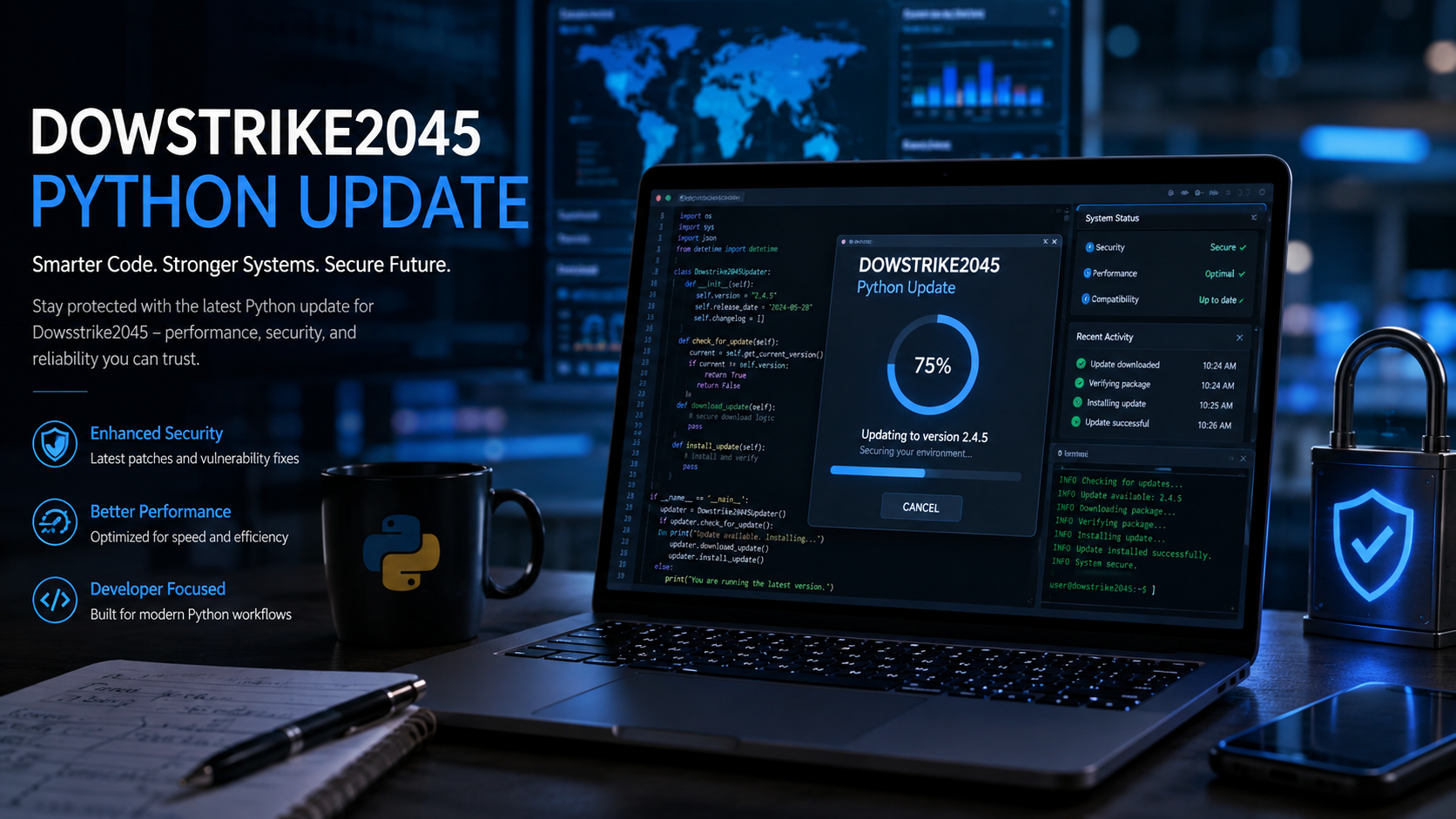
The phrase software dowsstrike2045 python update sounds like the name of a Python application, framework, or software release. A closer examination, however, produces a different picture. Websites have published articles describing Dowsstrike2045 as an automation or cybersecurity framework, but those descriptions are inconsistent, and an expected PyPI project page for dowsstrike2045 returns a 404 error. For anyone searching for an update, download, installation fix, or Python compatibility information, the safest approach is to separate confirmed Python information from unsupported claims about Dowsstrike2045 itself.
What Is Software Dowsstrike2045 Python?
At present, Dowsstrike2045 Python cannot be verified as an established public Python package with an authoritative release history.
The term is nevertheless widely described on independent websites as a Python-based tool associated with automation, cybersecurity, vulnerability testing, system monitoring, or development workflows. The problem is that these descriptions do not agree on exactly what the software does. Some portray it as a cybersecurity framework, while others describe a broader automation or application-development platform.
There is also a website using the Dowsstrike2045 name. Its homepage lists articles such as “Software Dowsstrike2045 Python,” “Python Error Dowsstrike2045,” “Dowsstrike2045 Python Failed to Load,” and “Software Dowsstrike2045 Python Update.” The page functions primarily as a collection of technology content rather than providing a clearly documented Python package repository or conventional software release page.
That distinction matters when searching for an update.
Is There an Official Dowsstrike2045 Python Update?
No independently verifiable release number, changelog, package version, or official Python distribution for a Dowsstrike2045 update could be confirmed through the primary Python package source checked for this article.
The expected PyPI address for a package named dowsstrike2045 currently returns 404 Not Found.
Meanwhile, some articles use phrases such as “latest update” and describe supposed improvements to performance, compatibility, security, or usability. One such page states that the update improves those areas but does not provide the sort of authoritative package metadata that normally establishes a Python software release.
For that reason, it would be inaccurate to publish a list of Dowsstrike2045 update features, version numbers, system requirements, or release dates as confirmed facts.
Dowsstrike2045 Update Claims vs. What Can Be Verified
| Question | Current status |
|---|---|
| Is Dowsstrike2045 discussed as Python software online? | Yes |
| Are automation and cybersecurity features attributed to it? | Yes, by independent websites |
Is a dowsstrike2045 PyPI project available at the expected package URL? | No; the checked URL returns 404 |
| Is an authoritative Dowsstrike2045 release number confirmed? | Not established |
| Is there a confirmed update changelog? | Not established |
| Should unknown Dowsstrike2045 installers be treated as trusted software? | No, not without source and package verification |
What Does “Python Update” Mean in This Context?
There is an important possibility: someone searching for software dowsstrike2045 python update may actually need to update the Python installation or environment used by a script rather than install a special Dowsstrike2045 update.
Python itself has a well-documented release process.
As of August 10, 2026, Python.org lists Python 3.14.7, released August 5, 2026, among the current stable Python releases. Python 3.15 is not yet the normal stable upgrade path: Python.org identifies Python 3.15.0rc1, released August 4, 2026, as a release-candidate preview.
If an unknown program tells you that “Python needs an update,” first check your installed version:
python --versionor, depending on the operating system:
python3 --versionOn Windows, this may also work:
py --versionCompare the result with the releases published on Python.org rather than relying on a download link supplied by an unfamiliar website.
How to Approach a Dowsstrike2045 Python Update Safely
Do not start by running an unknown installer or copying a random pip install command.
Python packages can execute code during parts of the installation process, so package origin matters. The official pip documentation specifically warns:
“By default, pip does not perform any checks to protect against remote tampering.”
A safer workflow is straightforward:
- Identify the exact software developer or project owner.
- Find the project’s authoritative package page or source repository.
- Check the package name, version number, release date, and changelog.
- Avoid executables or ZIP files hosted only on unrelated download sites.
- Create a separate Python virtual environment before testing third-party packages.
- Keep important project files and dependency records backed up before changing versions.
The Python Packaging User Guide recommends virtual environments when working with third-party packages because they isolate a project’s Python packages from the rest of the system.
Creating a Test Environment
On Windows:
py -m venv .venv
.venv\Scripts\activate
On macOS or Linux:
python3 -m venv .venv
source .venv/bin/activate
These commands follow the approach documented by the Python Packaging Authority.
A virtual environment does not magically make unknown software safe. It mainly helps prevent package dependencies from interfering with the system-wide Python environment. Suspicious code should still not be executed without understanding its source.
Why Unverified Python Package Names Need Extra Care
Python’s ecosystem makes distributing software easy. That convenience also means users need to confirm that a package name actually belongs to the project they intend to install.
A believable name is not enough.
A dependable Python project normally gives users ways to establish provenance: an identifiable maintainer or organization, documentation, version information, dependency declarations, package metadata, source history, and release notes.
With Dowsstrike2045, the information currently visible across articles is too inconsistent to treat claimed capabilities as specifications. One source explicitly describes its architecture as conceptual and acknowledges the absence of verified documentation and source code.
That makes verification more useful than speculation.
What If Dowsstrike2045 Fails to Load?
A message involving “Dowsstrike2045 failed to load” does not automatically prove that a recognized package named Dowsstrike2045 exists.
Start with the actual Python error.
For example:
ModuleNotFoundError
ImportError
SyntaxError
PermissionError
Each points to a different class of problem.
ModuleNotFoundError usually means Python cannot locate the module being imported. That could result from using the wrong environment, an incorrect module name, an uninstalled dependency, or code that expects a private/local module.
Before installing anything, inspect the project files for a legitimate requirements.txt, pyproject.toml, or documented dependency list. If you received the project from another developer or organization, obtain the correct installation instructions from that source.
Should You Use pip install dowsstrike2045?
There is currently no basis here for recommending that command.
The expected PyPI project page checked for dowsstrike2045 does not exist at the time of research.
Typing package names from blog posts directly into a terminal is poor security practice, especially when the package identity cannot be connected to a recognized project.
If a legitimate Dowsstrike2045 project eventually publishes an official package, verify its maintainer, documentation, release history, and distribution source before installation.
Frequently Asked Questions
Is Dowsstrike2045 Python real software?
The name is used across multiple websites, but a conventional public Python package and authoritative software release history could not be established from the sources checked. Its supposed features should therefore not be presented as confirmed product specifications.
What is the latest software Dowsstrike2045 Python update?
No authoritative Dowsstrike2045 version number or release date could be verified. Articles referring to a “latest update” should not be treated as official release notes unless they can be tied to the software’s actual developer and distribution channel.
Can I download Dowsstrike2045 Python from PyPI?
The expected PyPI project URL for dowsstrike2045 returned a 404 error when checked for this article.
What is the latest stable Python version?
As of August 10, 2026, Python.org lists Python 3.14.7, released August 5, 2026. Python 3.15.0rc1 is a pre-release candidate rather than the normal stable release.
How should I test an unfamiliar Python project?
Use a separate environment rather than changing your system Python installation. Python’s official packaging guidance recommends virtual environments for third-party packages. Also confirm the project’s origin and dependencies before executing its code.
Is an unofficial Dowsstrike2045 update safe?
Safety cannot be established simply from the filename or product name. An update should be traceable to an identifiable developer, official repository or distribution channel, documented version, and release information before it is trusted.
Conclusion
The safest interpretation of software dowsstrike2045 python update is not that a confirmed new software release has appeared, but that the phrase refers to an inadequately documented Python-related software name circulating across technology websites. Claims about specific Dowsstrike2045 features or updates lack the authoritative release information needed for confident verification.
Users looking for a genuine Python update should rely on Python.org and established Python packaging tools. If a Dowsstrike2045 download, package, or installer appears elsewhere, verify its source before installing or executing it.
Read also Constraint on Bavayllo: What the Term Really Means and Which Rules Matter
