

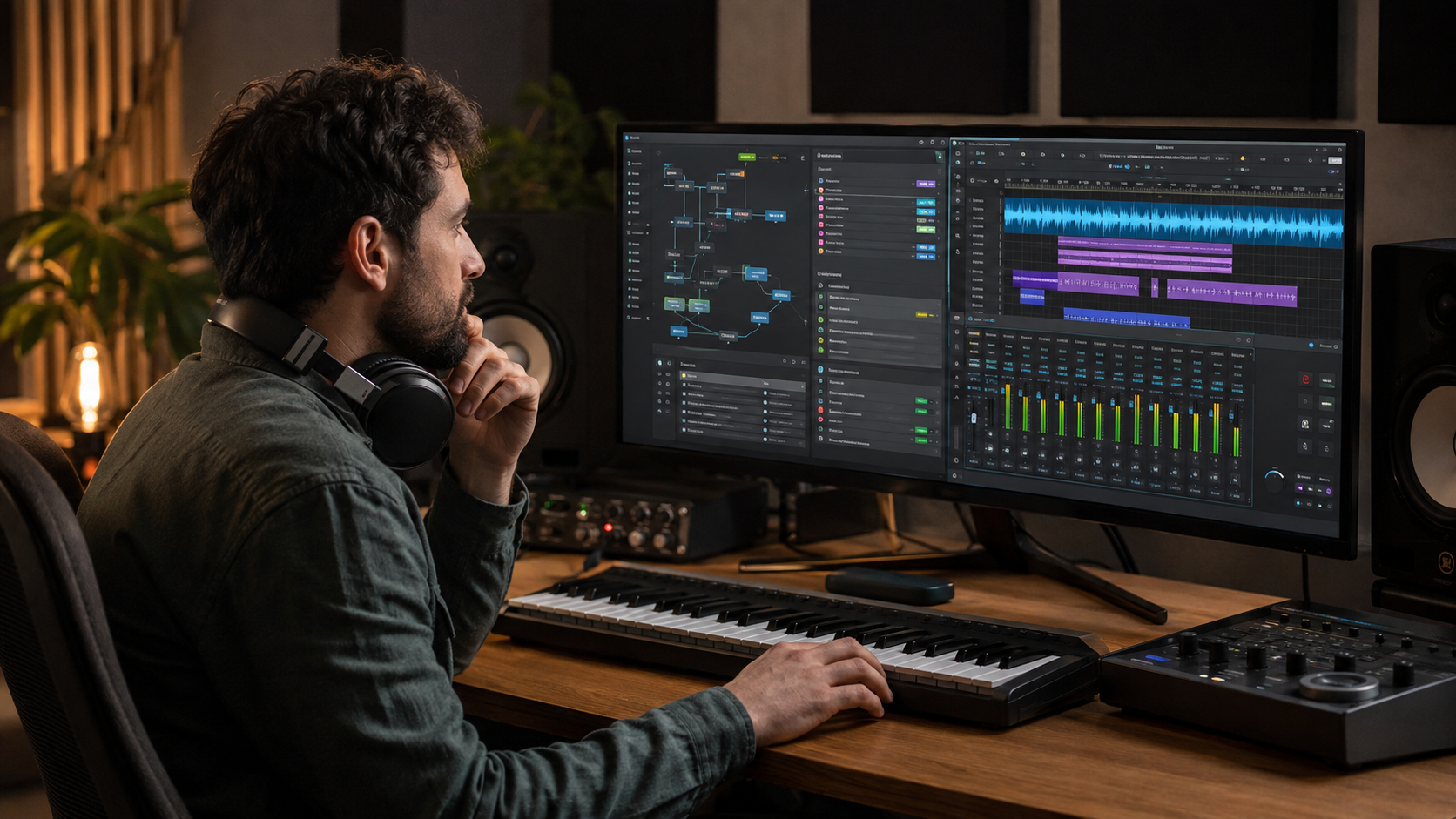
Should I Use EndBugFlow Software for Making Music? The short answer is no—not as your main music-production software. Based on the public information currently available, EndBugFlow is associated with software debugging, technical guidance, and workflow optimization. It is not clearly documented as a digital audio workstation, commonly known as a DAW.
That distinction matters. A proper DAW is built to record audio, sequence MIDI, arrange songs, run virtual instruments, mix tracks, and export finished music. EndBugFlow’s public website focuses instead on debugging foundations, development pipelines, root-cause analysis, and technical workflows.
Some websites describe EndBugFlow as music-making software with sound packs, MIDI tools, and plugin support. However, these claims are difficult to verify through official product specifications, a reliable user manual, demonstrations, or recognized software listings.
If your goal is to record vocals, create beats, compose with MIDI, or mix a complete song, you should choose established music software instead.
What Is EndBugFlow?
EndBugFlow’s website describes the brand as a technical platform covering debugging, workflow optimization, software architecture, and bug-resolution methods. It appears to be aimed mainly at developers and technical teams rather than musicians.
Its homepage discusses root-cause analysis, development pipelines, structured problem-solving, and system reliability. It does not provide the kind of detailed audio specifications normally found on a DAW website, such as supported sample rates, audio drivers, plugin formats, MIDI capabilities, track limits, or export options. You can review that positioning on the official EndBugFlow website.
This does not automatically mean the name has no connection to downloadable software. It means there is currently not enough reliable public evidence to treat EndBugFlow as a proven music-production platform.
You may also have encountered the name through an inaccurate article or confused it with another application. If someone recommended EndBugFlow for music, ask them for the official product page, download source, manual, and a real demonstration before installing anything.
What Music Software Needs
Music-production software must do more than provide a visual workflow. It needs an audio engine capable of processing sound accurately and consistently.
A useful DAW should normally provide:
- Multitrack audio recording
- MIDI recording and editing
- A song arrangement timeline
- Virtual instruments and effects
- Audio-interface support
- Low-latency monitoring
- Mixer routing and automation
- Non-destructive editing
- WAV or other lossless export
- Stem and track export
- Reliable project saving
- Clear hardware and operating-system requirements
Established DAWs publish this information openly. For example, Image-Line explains that FL Studio can load instruments and samples, record external audio, mix tracks with effects, save projects, and export finished work in formats including WAV, MP3, and OGG. These are documented in the official FL Studio workflow guide.
Ableton similarly documents the ability to record hardware, guitars, drum machines, plugins, and other real-world audio. Its software also includes extensive MIDI creation and editing tools, as shown in Ableton’s official explanation of what Live can do.
Comparable documentation has not been established for EndBugFlow as a music application.
The Missing Features
The main problem is not that EndBugFlow has received poor reviews from musicians. The problem is that its essential music-production features cannot be confirmed.
There is no clearly documented EndBugFlow audio engine, mixer, piano roll, recording timeline, instrument library, or mastering environment on its main public website. There is also no dependable specification explaining whether it supports common plugin formats such as VST3 or Audio Units.
Likewise, there is no clear information about audio-interface drivers, buffer settings, latency management, automation, project recovery, or lossless export. These are basic requirements rather than optional professional extras.
Without them, you cannot confidently use the software to:
- Record a clean vocal performance
- Connect and monitor a microphone
- Play a MIDI keyboard
- Arrange drums and instruments
- Apply EQ, compression, or reverb
- Automate volume and effects
- Export a dependable final master
Claims about sound packs, real-time collaboration, automatic track leveling, or cross-device sessions should therefore be treated cautiously unless they are supported by first-party documentation and a working product demonstration.
Why Verification Matters
A music project may contain hours of performances, editing, and mixing work. Choosing unverified software creates a risk that projects will not reopen correctly, plugins will fail, or exported files will not match what you heard during playback.
Compatibility is another concern. Producers frequently exchange stems, MIDI files, project archives, and plugin information. An application with no established format support can make collaboration difficult.
Support also matters when an operating-system update breaks an audio driver or plugin. Established DAWs normally offer manuals, update histories, user communities, and troubleshooting resources. If a product lacks these basics, even a small technical problem can stop a session.
For professional or client work, project reliability is just as important as creative features.
Could It Help Musicians?
EndBugFlow might still be relevant to a musician who also develops software. For example, someone building an audio plugin, music website, or studio-management application may use debugging and workflow resources while working on code.
That would be a development use, however—not music creation.
A producer could also use a general task or issue tracker to organize an album, record technical problems, or assign work to collaborators. Such a tool would sit beside the DAW. It would not replace the software used to record, edit, and mix the music.
For an ordinary home studio, adding an unclear development tool is unlikely to improve the creative process.
Better Alternatives
Your best choice depends on the type of music you want to make and the computer you already own.
| Software | Suitable for | Why consider it |
|---|---|---|
| GarageBand | Mac beginners and songwriters | Simple recording, built-in instruments, loops, guitar presets, and an approachable interface |
| FL Studio | Beat makers and electronic producers | Strong pattern sequencing, piano-roll editing, instruments, effects, and flexible export |
| Ableton Live | Electronic music, sampling, and live performance | Fast audio manipulation, MIDI tools, Session View, and hardware integration |
| Ardour | Recording, editing, and open-source workflows | Multitrack audio and MIDI production on Windows, macOS, and Linux |
Apple describes GarageBand as a complete music-creation studio with instruments, presets, session drummers, recording tools, and sharing features. It is a sensible starting point for a Mac user who wants to learn without facing an overly technical interface.
FL Studio is especially practical for drum programming, hip-hop, and electronic production. Its official documentation covers audio recording, MIDI input, arranging, mixing, effects, and rendering.
Ableton Live is a strong option for loop-based composition, sound design, experimentation, and performance. It also supports external recordings, software instruments, audio-to-MIDI tools, and third-party plugins.
For people who prefer an open-source option, Ardour provides audio and MIDI recording, editing, mixing, and mastering on Windows, macOS, and Linux.
How to Choose
Do not select a DAW only because it has the longest feature list. Choose one that fits the way you actually make music.
A singer recording vocals over backing tracks needs stable audio recording and straightforward editing. A beat maker may care more about the piano roll, drum programming, samples, and automation. A band recording several microphones needs flexible input routing and reliable multitrack performance.
Before committing to any application, create a short test project. Record audio, add a MIDI instrument, edit several clips, automate an effect, save the session, reopen it, and export a WAV file. This simple test reveals far more than a promotional feature list.
Also check:
- Whether the software supports your operating system
- Whether your audio interface is compatible
- Which plugin formats it accepts
- Whether projects can be archived safely
- Whether stems can be exported
- Whether tutorials and technical support are available
- Whether the license permits your intended use
If the developer does not publish this information, wait before trusting the software with an important project.
The Verdict
You should not use EndBugFlow as your primary software for making music. Its verifiable public identity is centered on debugging and technical workflow content, while its core DAW capabilities remain undocumented.
That conclusion could change if the developer releases a genuine audio product with clear specifications, official downloads, working demonstrations, documentation, and a transparent update history. Until then, claims that EndBugFlow is an all-in-one music studio should not be accepted without proof.
For beginners, GarageBand or FL Studio will offer a clearer route into recording and beat making. Ableton Live is worth considering for sampling, electronic composition, and performance. Ardour provides a capable open-source alternative for people who want to record and mix on several operating systems.
Use EndBugFlow for technical research only if it serves that purpose. Use a verified DAW to make and protect your music.
FAQs
Is EndBugFlow a digital audio workstation?
EndBugFlow is not clearly documented as a digital audio workstation. Its public website focuses on debugging, development workflows, and technical guidance rather than audio production.
Can EndBugFlow record vocals?
No reliable first-party documentation currently confirms microphone recording, multitrack audio capture, input monitoring, or vocal-editing features.
Does EndBugFlow support MIDI and VST plugins?
There is no dependable public specification confirming MIDI sequencing or support for VST, VST3, or Audio Units. Do not rely on third-party claims without checking an official manual or demonstration.
Is EndBugFlow safe to download?
There is not enough transparent product information to make a general safety judgment. Before installing any unfamiliar application, verify the publisher, official download address, digital signature, license, privacy policy, release history, and required permissions.
Is EndBugFlow free?
A clearly documented music-product license or pricing structure could not be verified. A lack of visible pricing does not necessarily mean that software is free.
What is the easiest EndBugFlow alternative for beginners?
GarageBand is an accessible option for Mac users. FL Studio is often easier for beginners interested in beats and electronic music. The better choice depends on your operating system and preferred workflow.
Can I use EndBugFlow alongside a DAW?
Possibly, if you are using its technical information or a verified workflow tool while developing music-related software. It is not necessary for ordinary recording, composing, mixing, or mastering.
What should I check before choosing music software?
Confirm audio recording, MIDI editing, plugin compatibility, low-latency monitoring, automation, lossless export, project recovery, operating-system support, and reliable documentation.
